
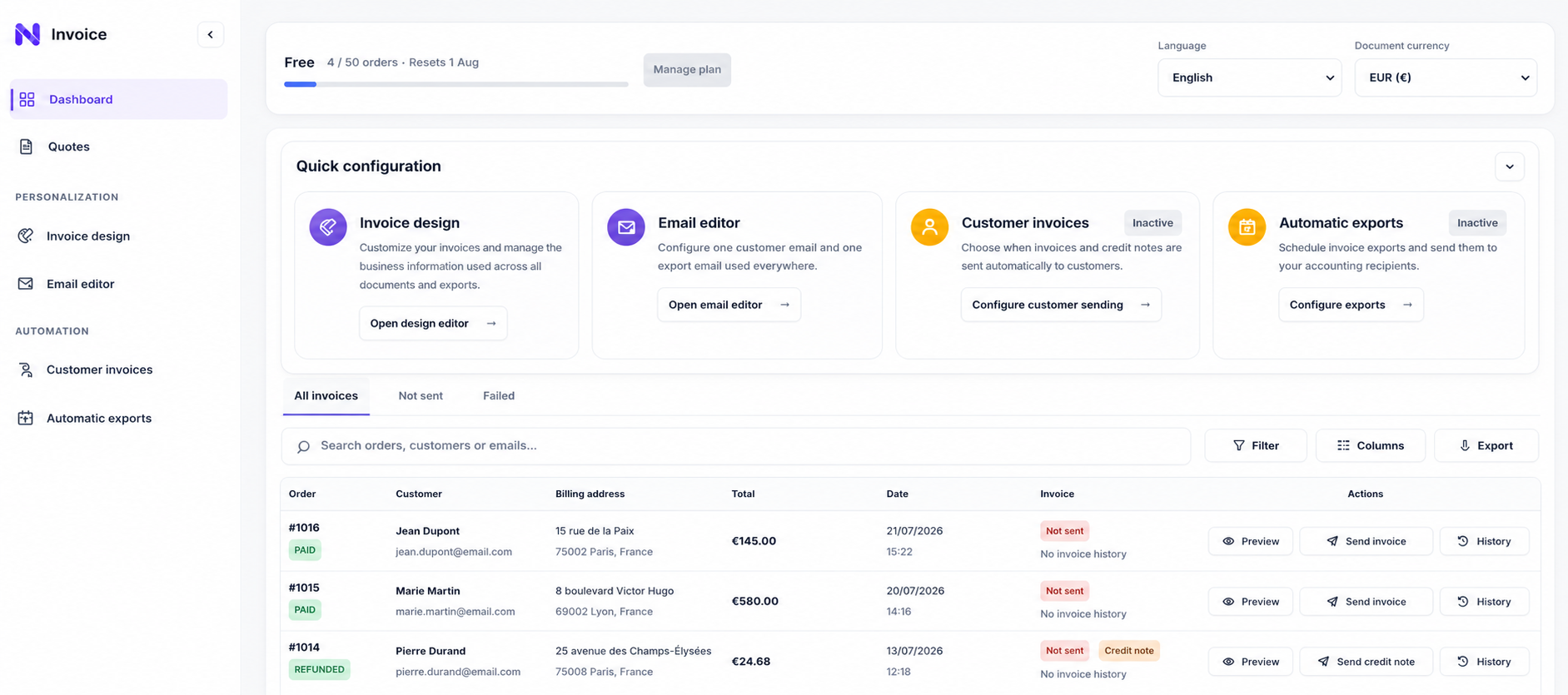
What to configure
In short: How to evaluate a Shopify invoicing app for document design, delivery, market tax rules, quotes and accounting exports.
1. Check document customization
Connect orders, document design, delivery, quotes, and accounting exports in one traceable Shopify workflow.
2. Review delivery automation
Connect orders, document design, delivery, quotes, and accounting exports in one traceable Shopify workflow.
3. Confirm history and export coverage
Connect orders, document design, delivery, quotes, and accounting exports in one traceable Shopify workflow.
Before you activate it
Preview the generated document, verify the Shopify data used, and confirm legal or accounting settings with the appropriate adviser for your business.
Next step
Continue with the related guides or install Navelis Invoice to test the workflow on your Shopify store.